
The SharePoint integration feature enables storing print jobs and scans in SharePoint.
In order to use SharePoint, administrators must grant consent for all users in their Microsoft tenant, at which point individual users can grant consent themselves by signing in with their SharePoint account and approving the required permissions.
When the feature is enabled in the Integrations page, the administrator grants tenant-wide consent for all users. Unless the feature is enabled, SharePoint is not available as a connection in My Settings>Cloud Services.
In the My Settings page, a user can grant consent individually through Microsoft login provided their administrator has already granted tenant-wide consent.
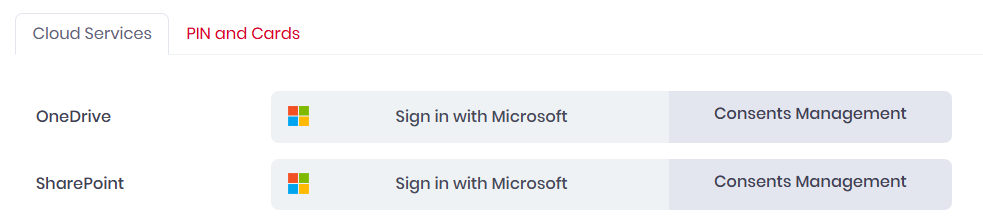
When a user connects SharePoint through the web UI, mobile app, or desktop client, a refresh token for the connection is securely stored on the server with a 90-day expiry. If the user accesses SharePoint again within this period, both the access and refresh tokens are automatically renewed with adjusted expiry dates.
Entra ID Application
-
Name: MyQ Roger for SharePoint
-
Split Integration ID: 890de1a7-601f-4b99-ab77-7725a4d091b3
-
MyQ Roger Integration ID: c6816776-9245-4ab7-9593-df97367aee56
Required scopes
Delegated Microsoft Graph permissions requested when a user connects SharePoint:
-
https://graph.microsoft.com/Sites.ReadWrite.All -
https://graph.microsoft.com/User.Read -
offline_access