
It is possible to specify the expiration period for Device spooled jobs.
-
In the MyQ Roger server web UI, go to Administration>Printer Configurations.
-
Select the printer configuration you wish to edit.
-
On the Ready To Print tab, set the Expiration Period in minutes and click Save.
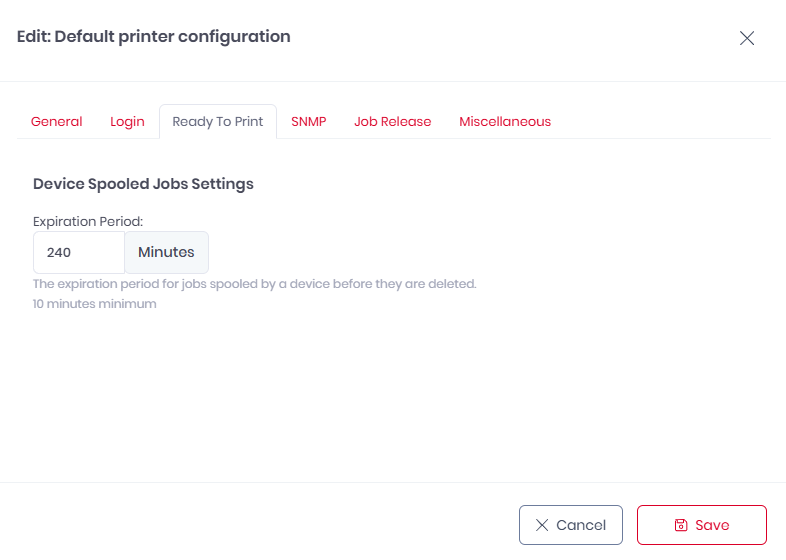
The default value is 240 minutes.