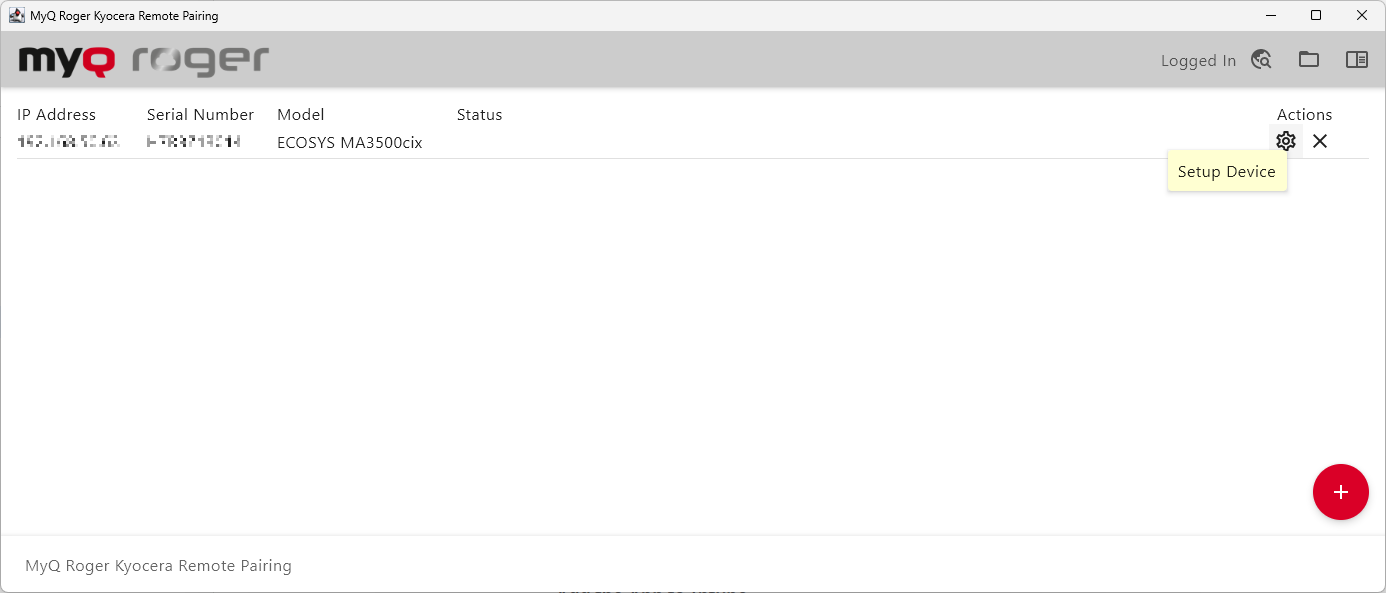
This program allows you to pair installed Kyocera terminals. The software can be downloaded from the MyQ Roger downloads page. It is compatible with all versions of classic and new MyQ Roger for Kyocera terminals.
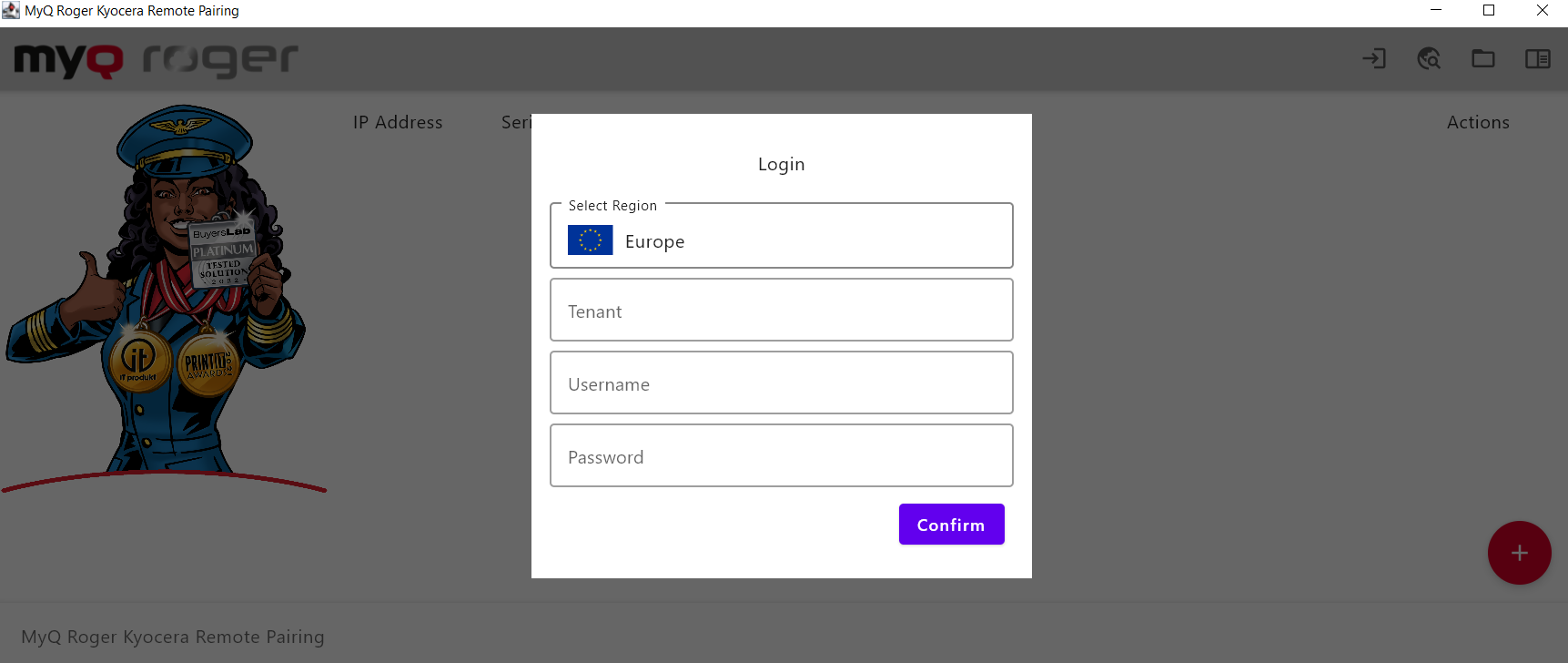
Login
Login using your standard MyQ Roger credentials. Only admin users or users with the rights to pair devices will be able to use remote pairing.
Pairing Devices
To pair installed devices:
-
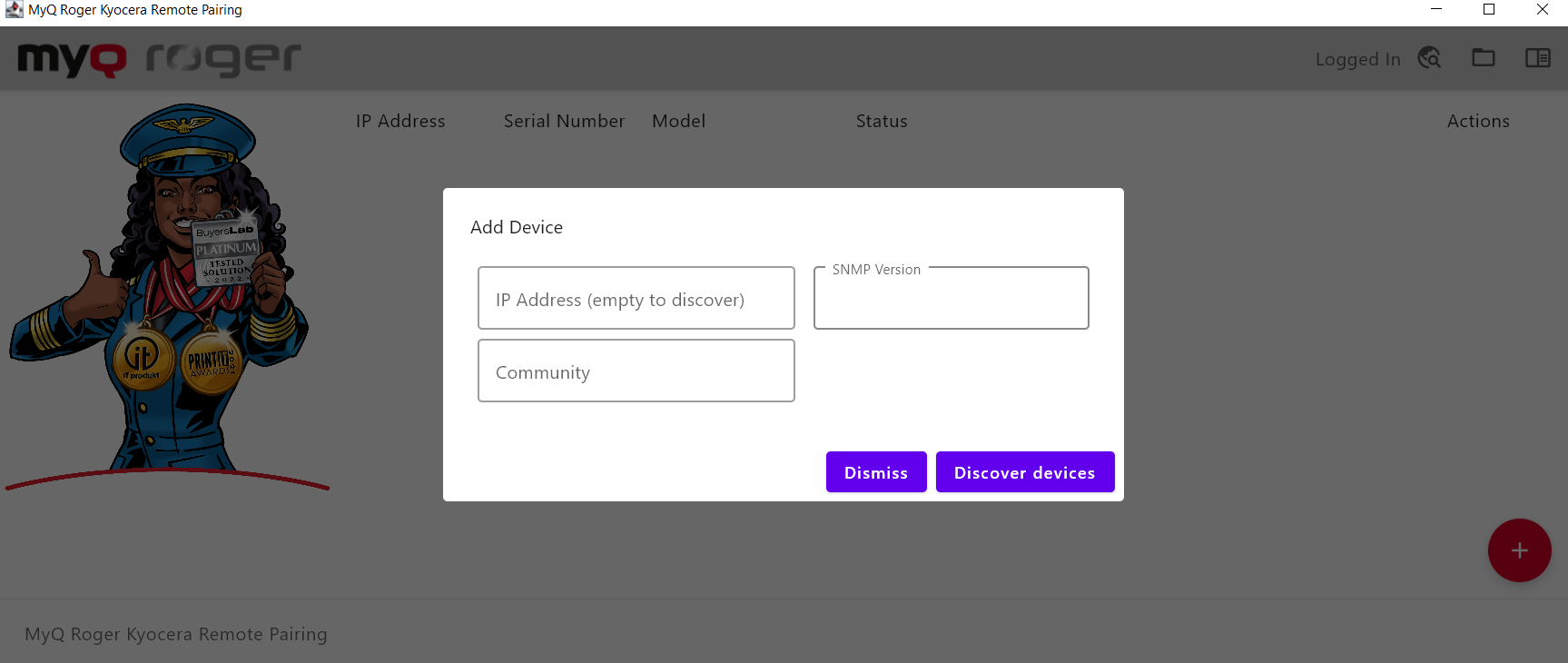
Click the red + button in the bottom right corner.
-
To find a particular device fill in the relevant IP Address, SNMP Version, Community, and any other required fields, and select Add Device.
-
To discover any available devices, leave these fields blank, and select Discover devices.
-
Click Setup Device on the device you wish to pair, it will be connected.