
To deploy MyQ Roger Client for macOS with Intune, follow these steps:
-
Go to Intune and log in.
-
Go to Apps | macOS and click Add.
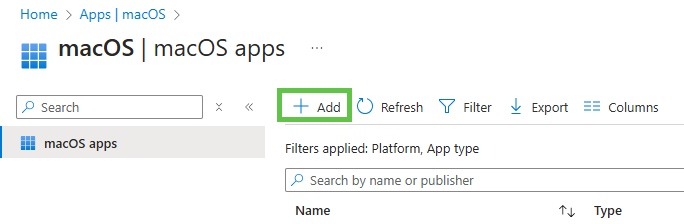
-
Choose macOS app (PKG) and press Select at the bottom.
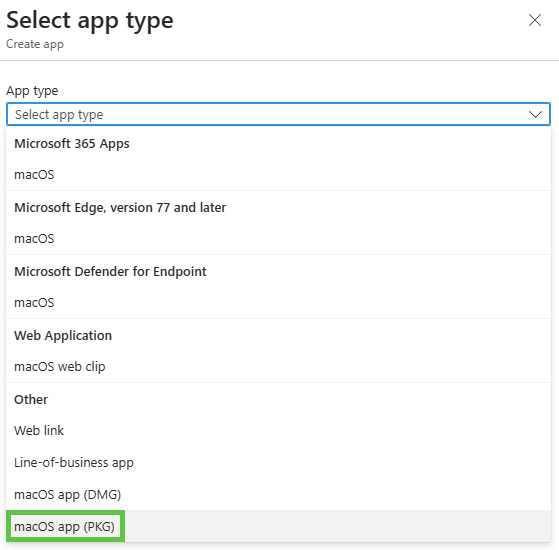
-
Click Select the app package file and upload the package file.
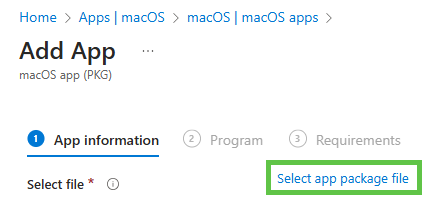
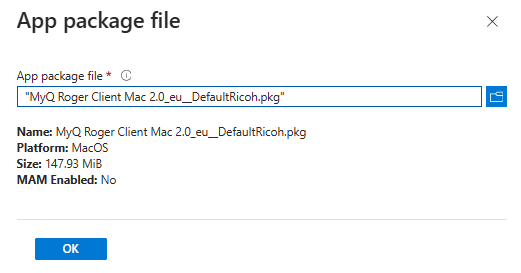
-
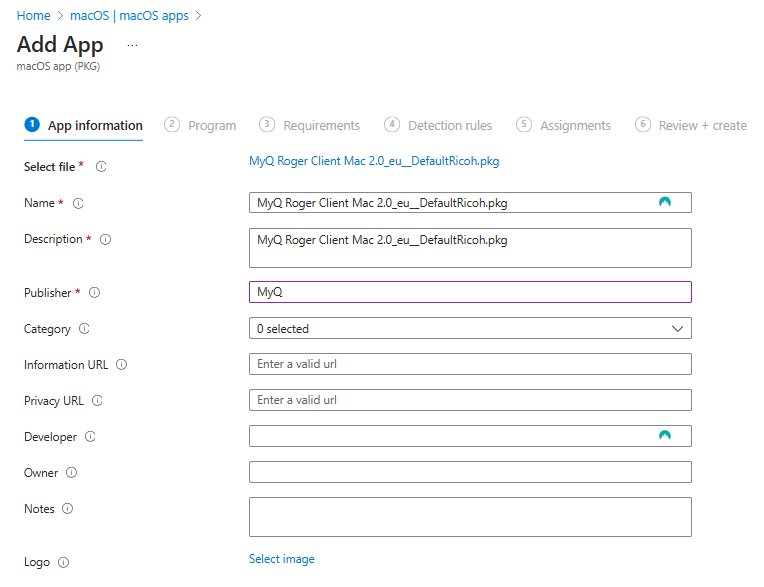
Fill in information about the app and click Next.
-
On the Program tab, can edit the install command using the commands listed in Installation . For example, add
TENANCYNAME="tenancyname"if you want to install MRC for a specific tenant. Click Next once you are finished. -
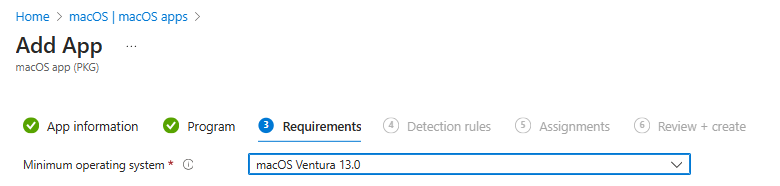
Select the operating system. Then click Next.
Skip the Detection rules section.
-
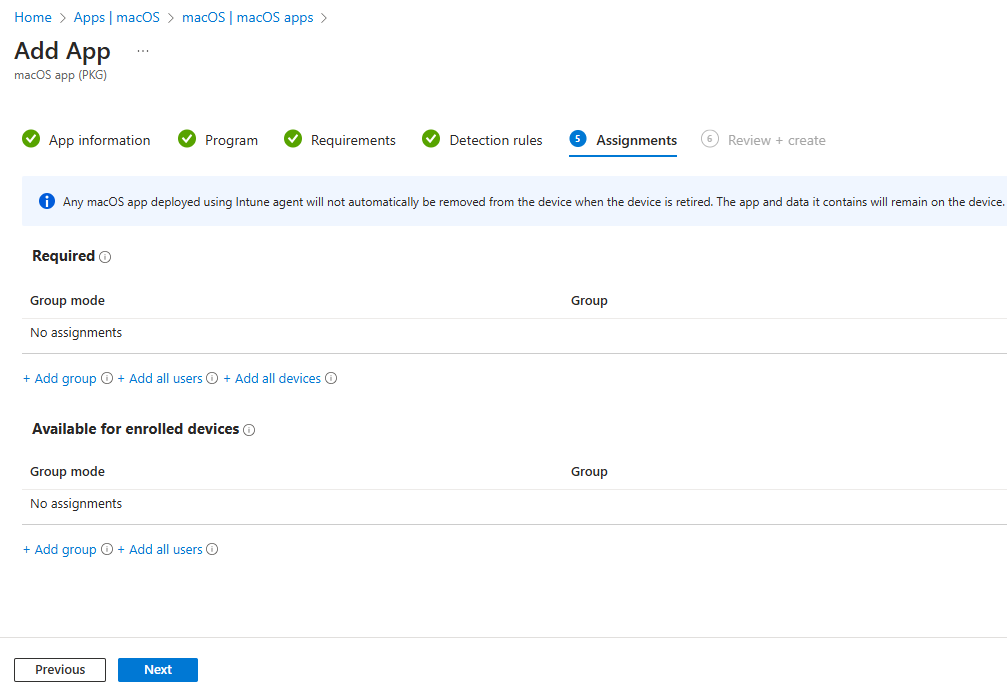
On the Assignments page, choose the users, user groups, or devices for which the application will be installed or set to install automatically.
-
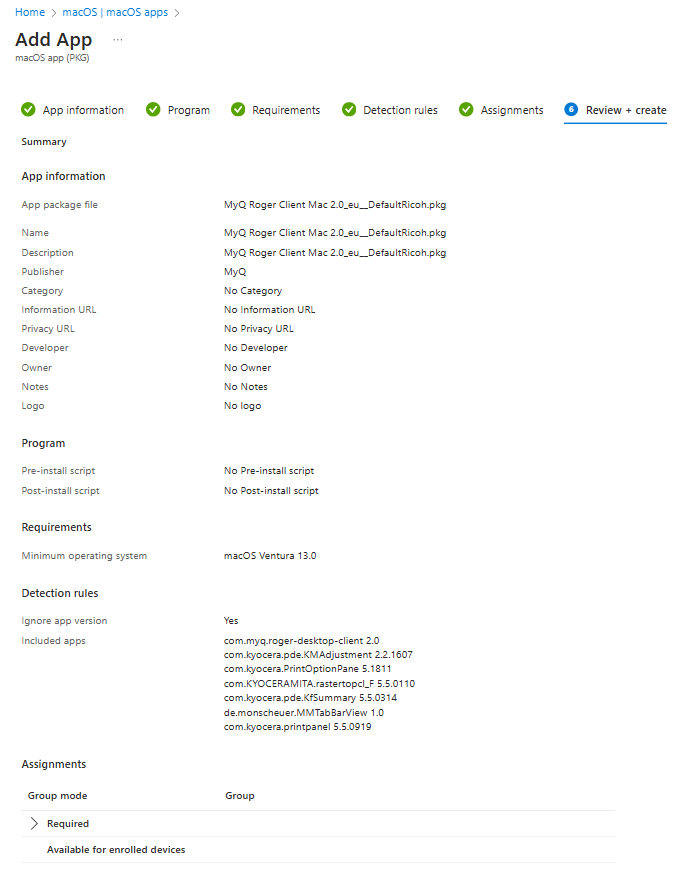
Review and click Create.
-
Download and install the Company Portal App and log in as a user from those assigned above. Then click the options menu>Check status and the installation will begin within a few minutes.