
In the Job Release tab, you can configure job release settings.
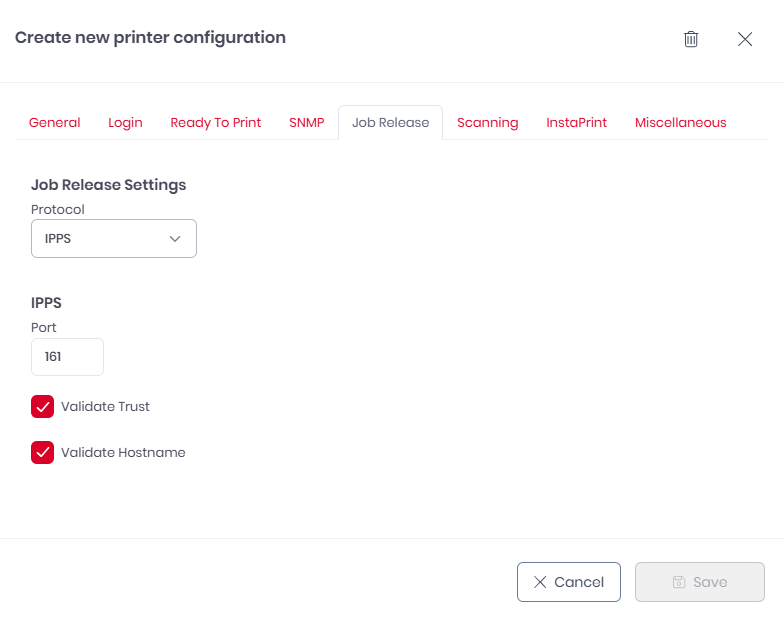
Available Protocols
When configuring job releases, choose the protocol that best fits your network security requirements:
-
RAW: A standard, high-speed printing protocol. It is simple to configure but does not encrypt data, making it best suited for secure, internal networks.
-
IPPS: An encrypted version of the Internet Printing Protocol. It uses SSL/TLS certificates to ensure that print jobs remain private and secure while traveling across the network.
Job Release Settings
-
Protocol: Select between RAW (standard) and IPPS (secure).
-
Port: Enter the port number used by your printer for the selected protocol (Normally Port 9100 for RAW or Port 443/631 for IPPS).
-
Validate Trust: Enable to ensure the printer’s security certificate is issued by a trusted authority (available for IPPS only).
-
Validate Hostname: Enable to verify that the printer’s network address matches the name on its security certificate (available for IPPS only).