
Quotas
Quotas enable you to set limits on how much users can print or copy. When this feature is enabled, it will prevent the user from printing and copying after they reach or exceed their quota.

Requirements
MyQ Roger Server 2.18+
MyQ Roger Kyocera - NEW 25.9+
Users can view their available quota at the top of the embedded terminal.
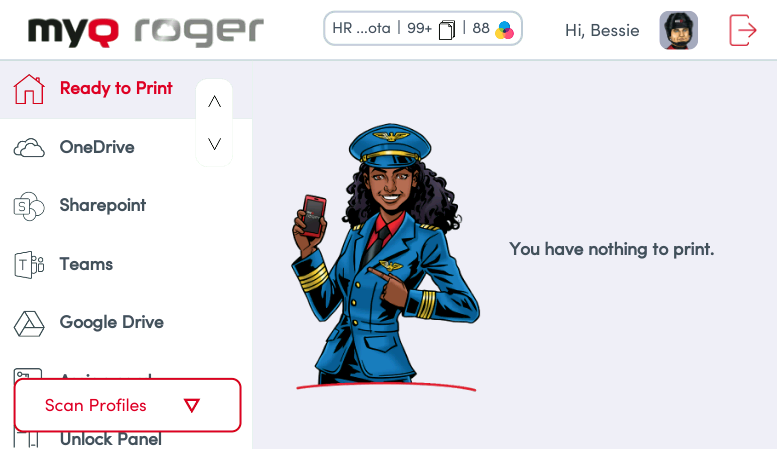
The Roger Server administrator creates and configures quotas in the Cost Centers area of the MyQ Roger server. Once the quota is reached, the user is restricted from printing and copying. For more information, see Quotas in the MyQ Roger Server Administration guide.
When a user reaches their quota, the current operation completes, and no further print operations can be processed.