
Expiration Period for Device Spooled Jobs
It is possible to specify the expiration period for Device spooled jobs.
In the MyQ Roger server web UI, go to Administration>Printer Configurations.
Select the printer configuration you wish to edit.
On the Ready To Print tab, set the Expiration Period in minutes and click Save.
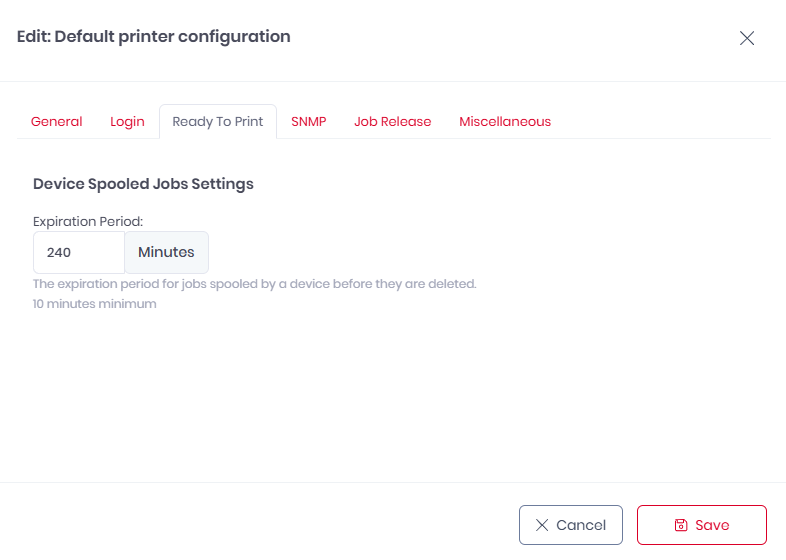
The default value is 240 minutes.