Once MyQ Roger Client (MRC) is installed and connected, it can be used to spool jobs to OneDrive and Google Drive Cloud Storage.
Cloud printing is not supported on Single Function Printers.
To spool jobs to OneDrive or Google Drive Cloud Storage users must be authenticated
using their company Microsoft or Google Account. OneDrive is connected automatically after login with Microsoft. Google Drive must be enabled in the MyQ Roger Web Application.
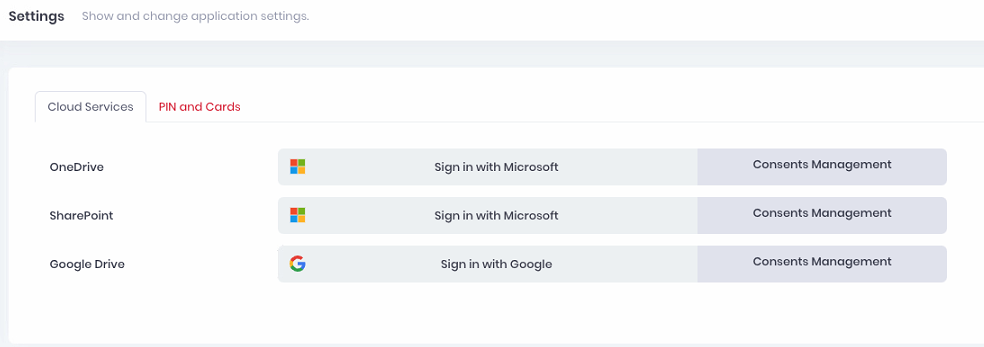
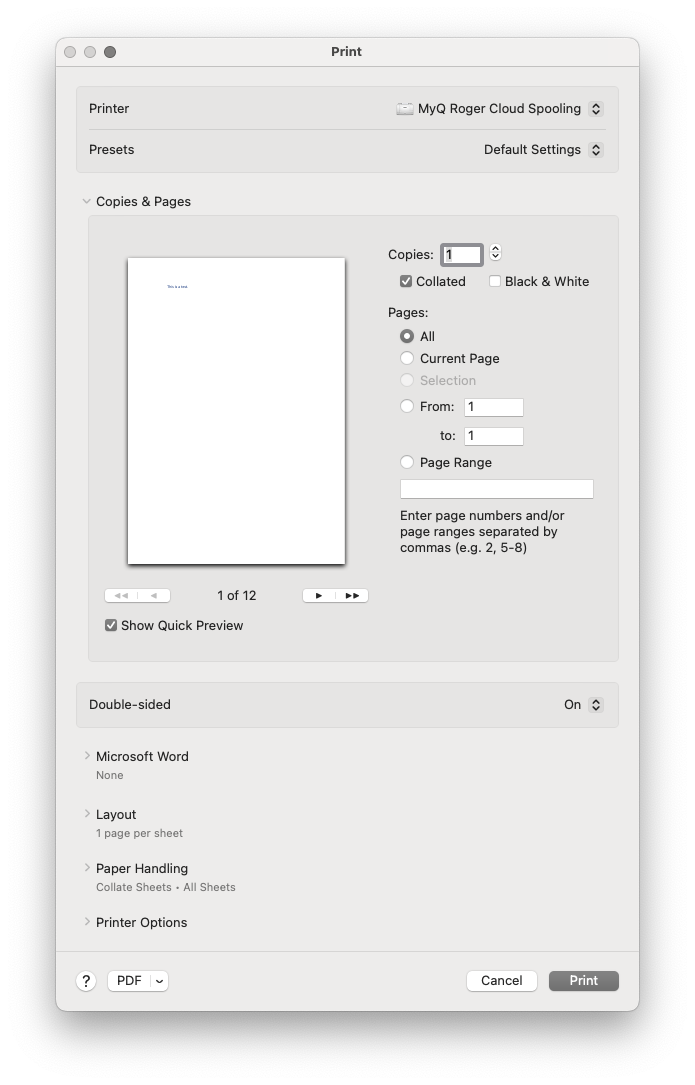
During installation, if the PRINTSPOOLER parameter is set to 2 or 3, MRC creates a new printer: MyQ Roger Cloud Spooling with the following port configuration:
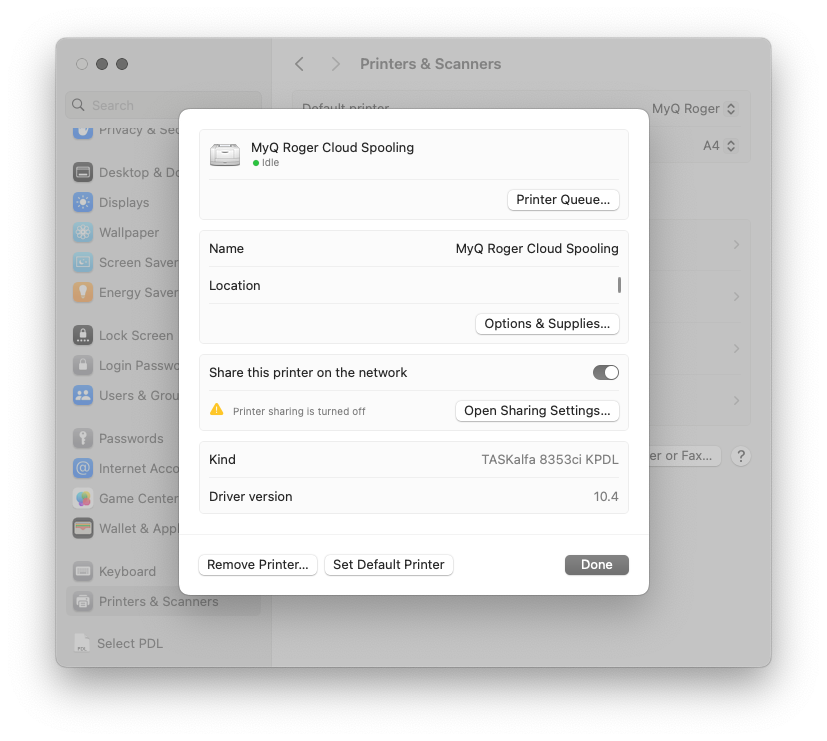
A user can then select this printer in any printing dialogue, to have the job spooled to their OneDrive or Google Drive Account. Job expiration time is set to 7 days by default.
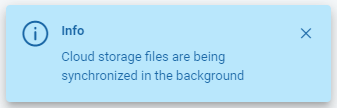
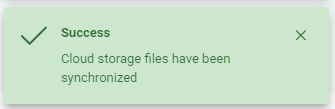
The user will see the following notifications that the job has been spooled correctly.
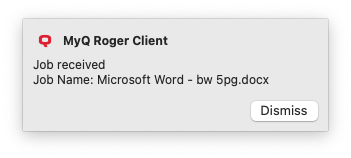
If the user has the Roger Web App open, they will see the following notifications indicating that the job has been spooled correctly.